
What This App Is Supposed to Do
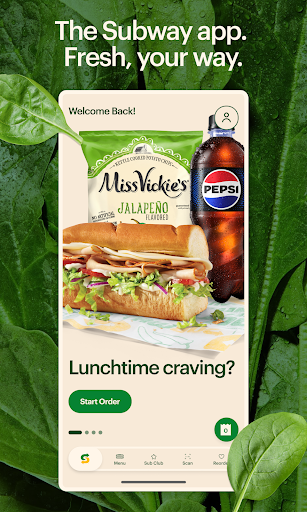
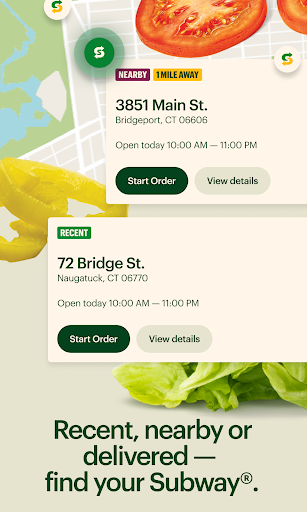
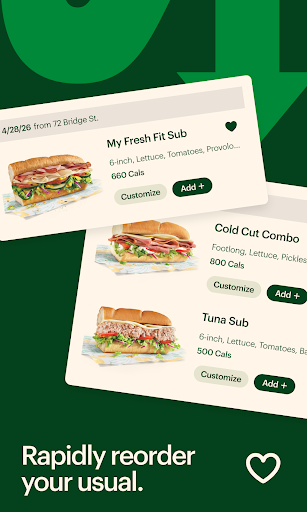
The Subway app lets you build a Footlong the way you would at the counter, choosing bread, toasting, toppings, and adding sides, then pay through the app for pickup or delivery. It also houses Subway Rewards (Sub Club), letting members redeem points for Subway Cash and access member-only offers. A Rapid Reorder feature puts your favorite or past orders in the menu bar for quick repeat ordering. In theory it’s built for regular Subway customers who want to skip the counter line and rack up rewards points automatically.
Where the App Actually Delivers
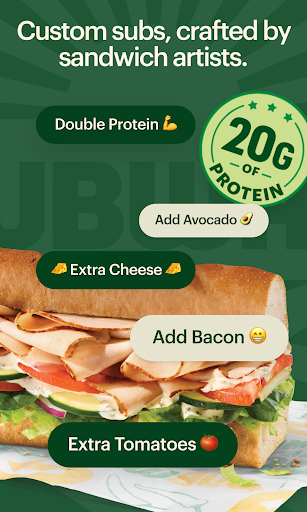
When it works, reviewers acknowledge the core idea is sound. Rapid Reorder is genuinely useful for people who order the same sandwich repeatedly, and the customization flow mirrors an in-store build, letting you double meat, add extra cheese, and load on veggies without confusion. Some users note that at earlier points the app ‘used to be a really good and useful app,’ suggesting the basic ordering and rewards concept has real value when the backend cooperates.
The Login and Loading Problems That Dominate Reviews
The most common complaint by far is that the app simply fails to function. Multiple reviewers describe persistent login errors, with one saying the app ‘never loads never keeps me signed in’ and passwords getting rejected for no clear reason. Another user reported the app being broken for over a month, having tried deleting cache, clearing stored data, uninstalling, reinstalling, and restarting their phone, all with no success. These aren’t isolated glitches; they read as a widespread, ongoing stability issue that pushes loyal customers away entirely.
Payment, Coupons, and Checkout Frustrations
Beyond login failures, checkout itself is a sore spot. One reviewer reported that the app still cannot split payment between two methods, so a gift card with a balance below the order total simply can’t be used, and Subway won’t cash it out either, an issue still present after 9 months. Others describe payment methods being repeatedly rejected even when the store confirms the card itself is fine. Coupon codes are another recurring failure point, with users saying codes that used to work no longer apply, and one reviewer finding only a single coupon deal available, which then failed to function.
Order Speed and Reliability In Practice
Even for users who get past login and payment, order timing is inconsistent. One longtime customer says orders placed through the app can take 40 minutes or more even when the store has no other customers and no other online orders, a complaint serious enough that they said they’ve stopped using Subway altogether because of it. Cart errors are also mentioned, including a generic ‘Oops’ message that blocks checkout entirely after items are added.
Who Should Actually Download This
If you’re a casual, occasional Subway customer just looking to browse the menu, this app can technically get the job done on a good day. But based on repeated, detailed complaints about login failures, broken payment splitting, non-functional coupons, and unpredictable order times, frequent or rewards-focused customers should go in with low expectations. Many reviewers who once relied on it for deals and quick ordering say they’ve simply stopped using it, ordering elsewhere instead. Until stability issues are resolved, treat this as a backup ordering method, not your primary one.