
What This App Actually Does
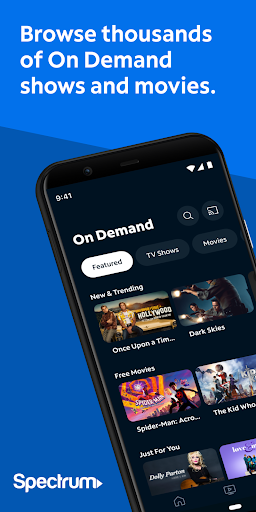
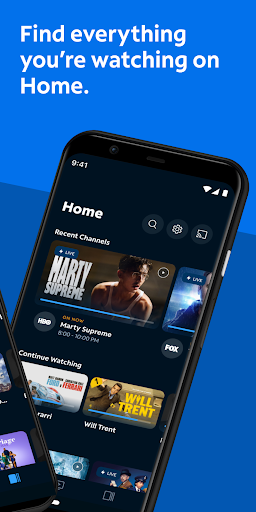
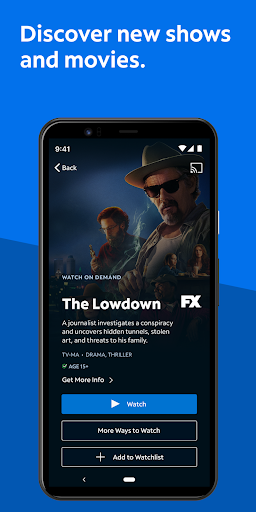
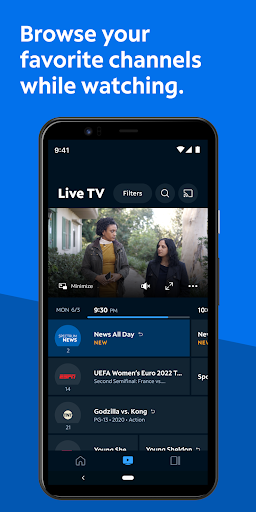
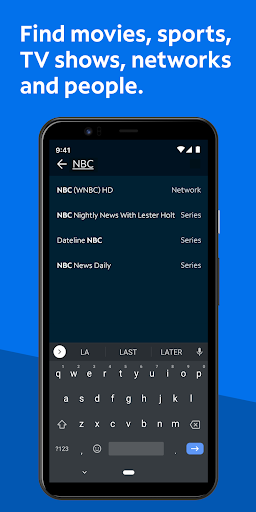
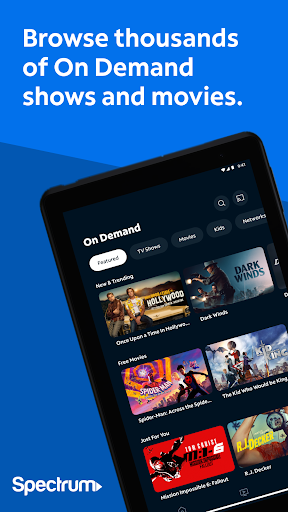
Spectrum TV is the companion streaming app for Spectrum cable subscribers, letting you watch live TV and On Demand content on a phone, tablet, or cast to a smart TV via Chromecast. It also lets you manage a personalized channel guide, search by title or actor, control a Spectrum DVR remotely, and set parental controls tied to a PIN. You need an active Spectrum TV subscription and login to use any of it, and some content only works over your home Spectrum WiFi. It’s built for existing Spectrum customers who want to watch cable content away from the living room TV, or use their phone as a second screen and remote.
Where It Works Reasonably Well
When it functions, users report the phone app itself is fairly straightforward for basic tasks like setting up DVR recordings and browsing a personalized guide. Setting your favorite channels and searching by title or actor does what it promises on mobile. For people just trying to check what’s on or schedule a recording from their phone, that part of the experience holds up.
Buffering, Freezing, and Broken Playback
The complaints piling up around actual playback are hard to ignore. Multiple users describe the app hanging repeatedly on the exact same frame of commercials, sometimes ironically during Spectrum’s own ads. Others report constant error messages telling them to ‘come back later,’ with the app failing to load at all on phones and tablets for days at a time, even after uninstalling, reinstalling, and clearing data. One user said calling customer service for a bill adjustment mysteriously fixed the app for two days before it broke again, which says a lot about how reliability is handled.
Fast Forward, Rewind, and the On Demand Ad Loop
The most consistent and specific complaint is the lack of a visual preview when fast-forwarding or rewinding, whether on live TV, recordings, or the TV app itself. Users say they have no idea where they’ll land when they stop skipping, making it nearly impossible to navigate back to a missed moment. On top of that, On Demand playback has been reported as essentially broken for some users, with ad breaks looping the same commercial over and over after a buffering stall at the end of each break, effectively blocking anyone from finishing a show.
Casting and Living Room Use
Streaming to a Roku or smart TV comes with its own separate frustrations. Reviewers say navigating live channels while casting is clunky, and that recordings set up easily on the phone become a chore to actually watch on the big screen because of the same missing preview-while-scrubbing issue. This undercuts one of the app’s headline features, since ‘turn any screen into a TV’ is a much rougher experience in practice than on the phone alone.
Who Should Actually Download This
If you’re already paying for Spectrum cable and just want a basic remote, guide, and occasional On Demand browsing on your phone, this app covers the essentials. But if you’re relying on it to replace a cable box entirely, or expecting smooth fast-forward and rewind control while casting to your TV, the review pattern suggests you should expect regular buffering, error messages, and a frustrating scrubbing experience. It’s a utility app tied to a subscription you likely already have, not a polished standalone streaming product.



