


What This App Does and Who It’s For
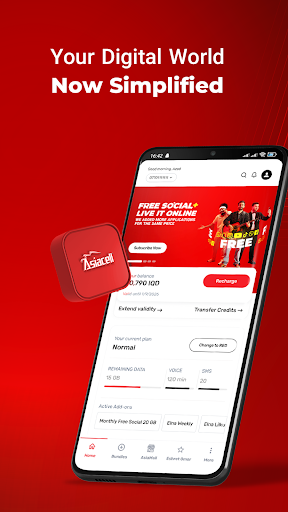
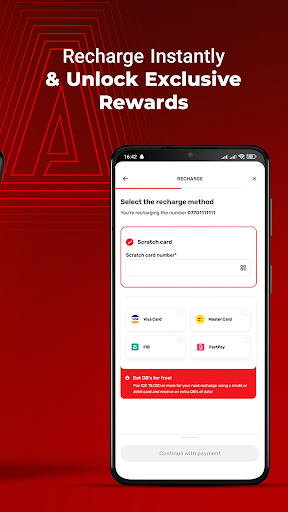
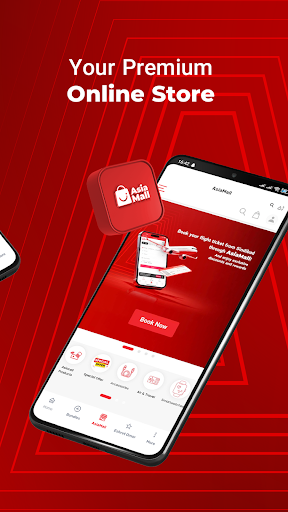
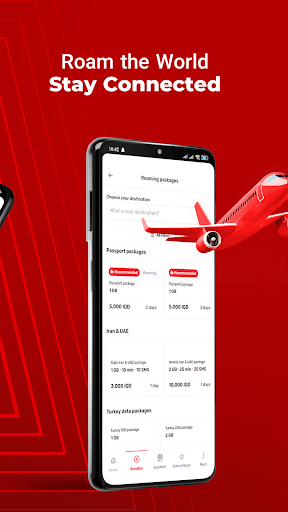
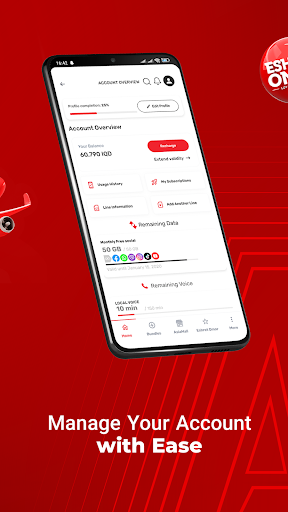
Asiacell is the official companion app for Asiacell Communications, one of Iraq’s mobile network providers. It’s built for both prepaid and postpaid customers who want to check their balance, data, voice and SMS usage, recharge credit, buy add-on bundles, order SIM cards or devices, and access customer support without dialing USSD codes or visiting a physical store. It’s also aimed at foreigners and travelers in Iraq who need an easy way to manage a local line, including expats and deployed personnel who rely on it as their main connectivity tool.
Where the App Actually Delivers
When it works, users genuinely like it. One reviewer called it ‘far better than using the USSD codes,’ praising the overall visibility it gives into your line and offers. Another long-term user said the service and pricing are good for foreigners, calling the internet ‘fast and reliable across Iraq on 4.5G+’ and appreciating how easy it is to purchase addons. Several reviewers also highlighted the promotional offers surfaced in the app, with one saying they were ‘shocked’ by how good the deals were. For straightforward tasks like checking your plan or grabbing a bundle, it clearly does its job for a lot of people.
The Payment and Balance Problems You Should Know About
The most serious complaints center on money. One user reported putting roughly $150 worth of credit into their account only to have it vanish 12 hours later, with customer service admitting it was a technical issue but offering no fix or compensation. Another reviewer described the app repeatedly declining card payments before even letting them enter card details, comparing the support experience to talking to a wall. These aren’t minor UI gripes — they’re reports of lost money and unresolved billing issues, and they show up repeatedly enough to take seriously before you load a large amount of credit.
Login Glitches and the Spin-Wheel Bug
Beyond payments, users report the app randomly signing them out, which becomes a real problem when you’re out of data and need to log back in to recharge but can’t because you have no data to begin with. Forced updates compound this, since you can’t update without a connection either. Separately, the in-app spin-wheel promotion for free MBs has been reported as broken for some users, throwing a generic error reference code with no explanation or fix, even after reinstalling.
Customer Support: Hit or Miss
Multiple reviews single out customer service as ineffective at resolving technical and billing problems, even when the company acknowledges the issue is on their end. That said, other users report a smoother overall experience, suggesting results may depend on the specific issue or region.
Who Should Actually Download This
If you’re an existing Asiacell customer who mainly wants to check balances, view expiry dates, or grab a promotional bundle, the app covers the basics well and beats USSD codes. If you plan to load significant credit or rely on it during data emergencies, go in cautious, keep receipts, and don’t assume support will resolve problems quickly.



