

What This App Actually Does
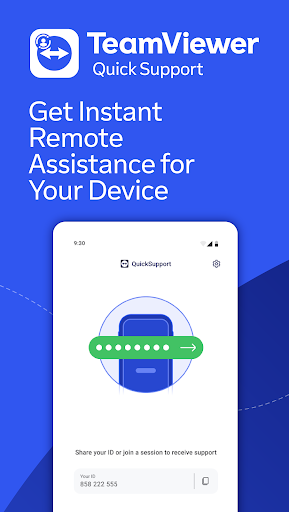
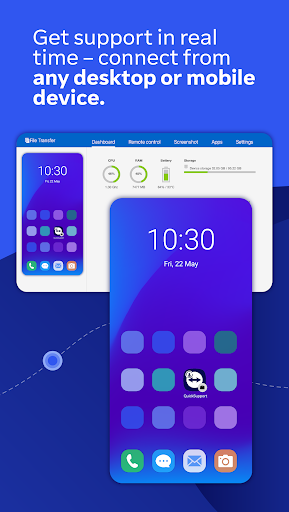
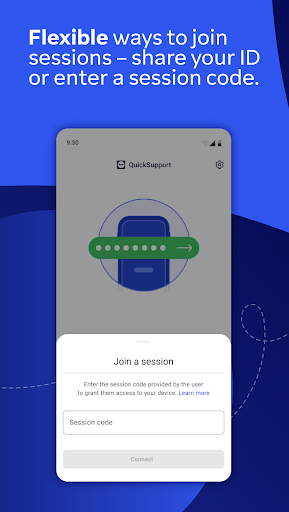
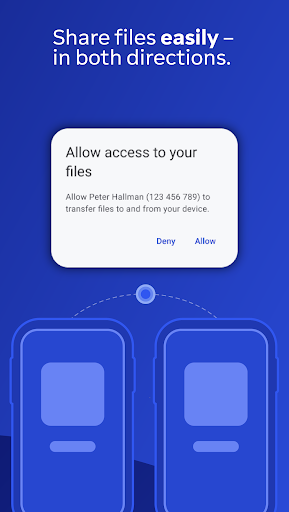
TeamViewer QuickSupport is a remote access tool built for one-sided support sessions: you install it on a phone, tablet, Chromebook, or Android TV, share a session ID or code with a trusted partner, and they connect in to view your screen, transfer files, chat, or adjust settings like Wi-Fi. It’s not designed for you to initiate outbound control of another device; it’s the receiving end, meant for IT departments, tech-savvy family members, or helpdesk staff who need to see what’s happening on your device in real time.
Where It Genuinely Works Well
When used as intended, reviewers confirm it does the job. One five-star review describes it as useful for helping a friend or family member ‘on the other side of the planet’ dig into phone settings by sharing a screen remotely, which is exactly the use case TeamViewer built it for. The core mechanics of session codes, screen sharing, and remote control function as advertised for legitimate one-off support sessions between people who already trust each other.
The Scam Problem That Dominates the Reviews
The most striking pattern across the real user feedback isn’t about app performance, it’s about abuse. Multiple reviewers describe near-identical scam scripts: a fake PayPal or Best Buy/Geek Squad invoice email, a phone number to call about a ‘problem,’ and then a request to download QuickSupport so the caller can ‘refund’ or ‘fix’ something. Once connected, scammers attempt to access banking information and personal data. This isn’t a flaw in the app’s code, but it’s a serious real-world risk factor that any potential user needs to understand before installing it, especially older or less tech-savvy users who are the typical targets.
Setup Friction and Commercial-Use Throttling
Beyond the scam issue, actual usability complaints surface too. One user got stuck on the ‘QuickSupport will start capturing everything that’s displayed on your screen’ prompt with no way to proceed except Cancel, and reported waiting a week for a response after emailing support twice. Another long-time user called the current mobile experience ‘dreadful,’ saying it now requires jumping through far more hoops than before just to hand over control of a friend’s phone. A separate complaint describes TeamViewer flagging personal use as commercial, then throttling sessions to 30 seconds with 10-minute lockouts afterward, even after submitting a non-commercial use form that made no difference.
Who Should Actually Install This
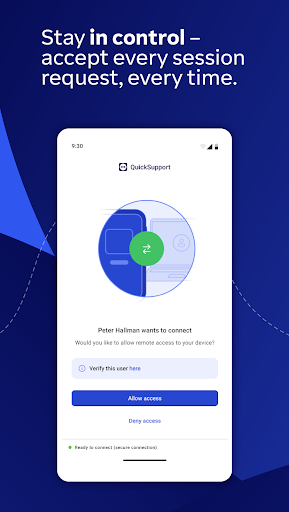
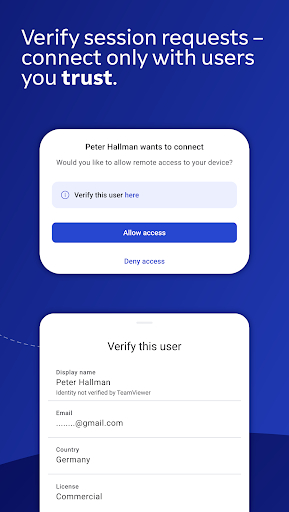
QuickSupport makes sense if a specific, trusted party, your company’s IT department, a relative you’ve called for help, or a paid technician you sought out yourself, has asked you to install it for a planned session. It is not something you should ever download because an unsolicited caller or email told you to. Given how frequently this app appears in scam scripts according to real reviewers, treat any unexpected request to install it as a red flag, verify the identity of whoever is asking before granting access, and uninstall it once your support session ends. Used deliberately and briefly, it works fine; used reactively under pressure from a stranger, it’s a serious liability.



