

What MEGA Actually Does and Who It’s For
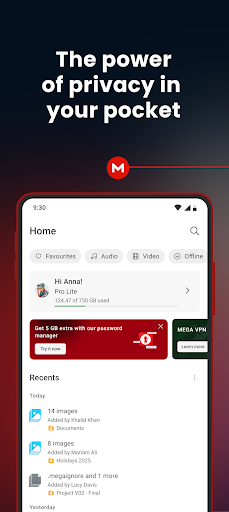
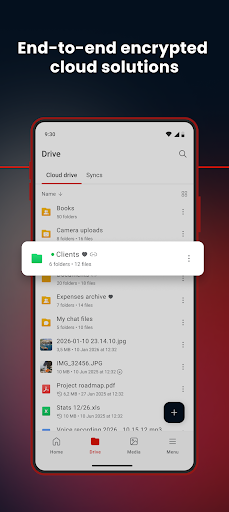
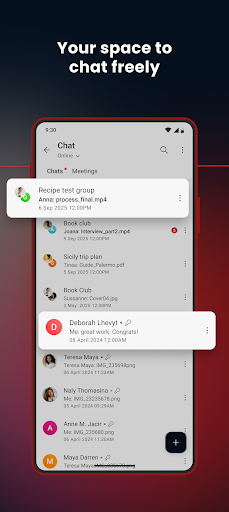
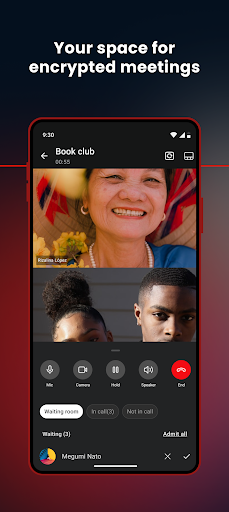
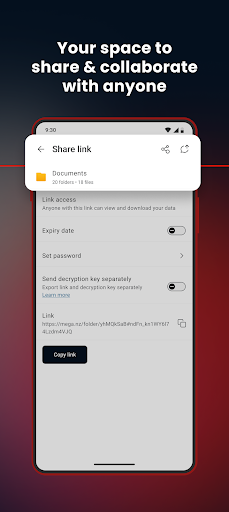
MEGA is an encrypted cloud storage app that lets you upload, sync, back up, and share files from your phone, with the selling point being end-to-end encryption that even MEGA itself can’t unlock. It also bundles encrypted chat, voice and video calls, and camera uploads, so it’s aiming to be a Dropbox or Google Drive alternative for people who care about privacy. With over 190 million installs, it’s clearly reached a mainstream audience, not just security enthusiasts. It’s best suited for anyone who wants generous free storage and doesn’t mind a slightly rougher interface in exchange for privacy-focused features.
Where the Storage and Speed Impress
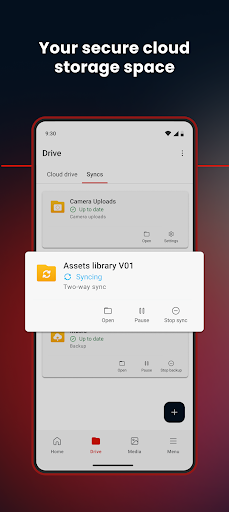
Reviewers consistently praise the amount of free storage on offer, with one long-time user calling it ‘best cloud drive ever’ after switching from OneDrive and iDrive, citing reliability and accurate file counts after transfers. The core upload/download/sync functionality works as advertised for most people, and the automatic sync and one-way backup options are genuinely useful for keeping local folders mirrored to the cloud. For straightforward file storage and retrieval, MEGA holds up well against bigger-name competitors.
The Bugs That Get in the Way
The app’s real problems show up in daily use. Multiple users report it installing duplicate copies of the same file, wasting storage and cellular data, and requiring manual cleanup. Notifications are also flagged as broken, sometimes miscounting uploads (like showing ‘6 of 4 uploaded’) and refusing to clear without triggering another transfer or toggling notification settings. Crashes are another recurring complaint, especially when attaching media in chat, importing files, or moving them between folders, which undercuts confidence in the app for anything beyond basic storage.
Video Playback and Photo Organization Fall Short
Streaming video directly in the app is described as slow enough that some users find it faster to download a file, watch it, then delete the local copy rather than dealing with in-app playback. Photo organization is another weak spot: while Albums exist, adding photos to them requires scrolling through your entire library by date rather than any kind of bulk selection or search-based approach, which is tedious for anyone with a large photo collection.
The Free-to-Paid Storage Trap
The most serious complaint in user reviews involves what happens when you exceed the free storage limit. One user describes their account getting locked, preventing both downloads and deletions, effectively forcing a paid upgrade just to regain access to their own files. Another user reports being able to view files in the app but not access, attach, or edit them, and being unable to get the desktop app working at all, which made the storage functionally useless for their workflow. These aren’t minor annoyances since they touch on data access, which is the entire point of a cloud storage app.
Final Verdict on Downloading MEGA
MEGA delivers on generous storage and genuine encryption, and for straightforward backup and file access it performs well according to many users. But the duplicate-file bug, broken notifications, sluggish video playback, and especially the reports of lost access after hitting storage limits are real risks worth weighing. It’s worth trying for the free tier if you’re mainly storing and syncing files, but go in aware that photo-heavy or video-heavy use cases, and any reliance on staying within free limits, may expose the app’s rougher edges.



