

What TeamViewer Remote Control Actually Does
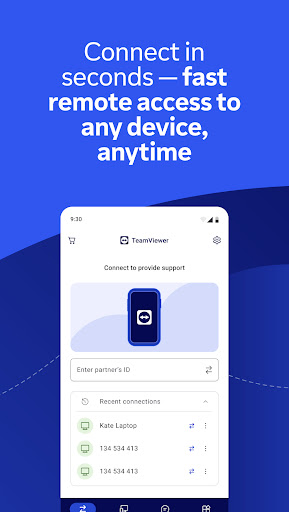
TeamViewer Remote Control is a Business-category Android app that lets you connect to and control a Windows, macOS, Linux, or Android device from your phone, tablet, or Chromebook. You install this app on the controlling device and TeamViewer QuickSupport on the device being accessed, then link them with an ID or session code. It’s built for IT professionals managing servers and unattended machines, as well as everyday users who just want to check on their home PC while away.
Where It Still Delivers
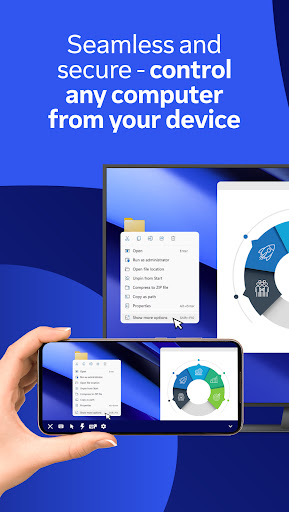
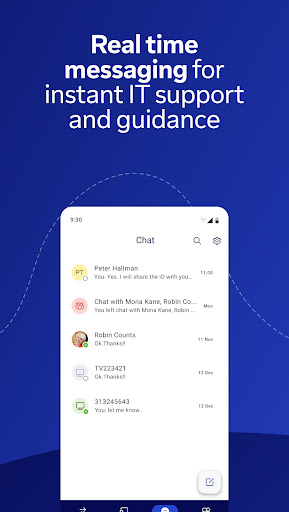
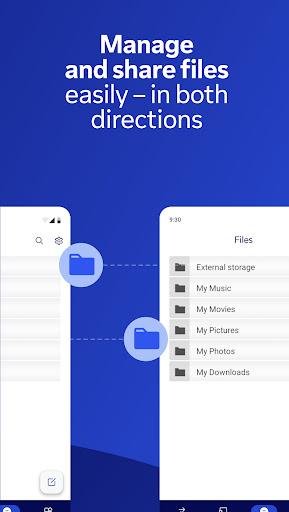
When it works, the core experience holds up: full remote control with touch gestures, two-way file transfer, real-time chat, and sound/video transmission over an encrypted connection. Users confirm it can reliably connect to a home PC to troubleshoot things like a security camera system, and one reviewer noted the screen sharing and control quality ‘works great’ even while complaining about other issues. For quick one-off support sessions, especially the classic use case of helping a family member fix something on their computer, the fundamentals of screen sharing are still intact.
The Commercial Use Lockout Problem
The single biggest complaint dominating recent reviews is the ‘commercial use detected’ block. Multiple long-time users, some with over a decade of personal use, report being cut off after connecting a couple of times, limited to sessions as short as 30 seconds before being locked out. This happens even when the use is explicitly personal, like connecting to a single home PC, and reviewers describe verifying this across multiple devices and accounts. The appeals process is widely described as unhelpful, with support either not responding for days or flatly denying that the flag was a mistake.
Pricing Pressure and Support Frustrations
Once flagged, the app reportedly pushes users toward a subscription priced as high as $50.90/month in one reviewer’s account, which feels steep for someone who just wants occasional access to their own machine. On top of that, the newer requirement to create an account before connecting has added friction. One reviewer described spending half an hour trying to help their mom connect, dealing with dropped Wi-Fi and repeated prompts to install extra add-ons during what should have been a simple session.
Stability Issues Beyond the Paywall
Even setting aside the commercial-use flagging, some users mention the screen would periodically stop updating and require an app restart to recover. This isn’t a dealbreaker on its own, but combined with the lockout timers and account-creation hurdles, it adds up to a noticeably rockier experience than the app had in past years, according to reviewers who’ve used it long-term.
Who Should Actually Download This
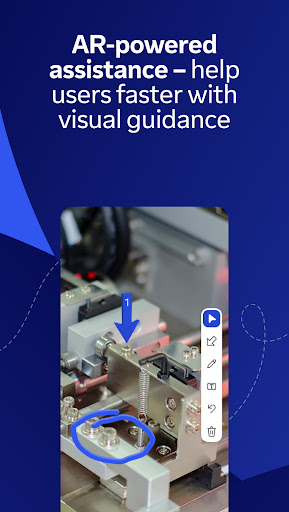
If you’re a business or IT professional who needs unattended access to servers or client machines and are willing to pay for a proper commercial license, TeamViewer Remote Control still delivers solid remote control, file transfer, and AR-assisted support tools. But if you’re a home user hoping for reliable free personal use, be prepared for the real possibility of getting flagged as a commercial user and locked into short session windows regardless of how you actually use it. Given how many reviewers report this exact problem, it’s worth trying alternatives if you’re not ready to pay.



