
AT&T

by AT&T Services, Inc.

4.6 ★ 413K+ reviews
165M+ Installs
04/28/2010 Released
AT&T icon
AT&T icon
Productivity

AT&T

by AT&T Services, Inc.

4.6 ★ 413K+ reviews
165M+ Installs
04/28/2010 Released
Advertisements
AT&T screenshot 1
AT&T screenshot 2
AT&T screenshot 3
AT&T screenshot 4
AT&T screenshot 5
AT&T screenshot 6

Ratings Breakdown

4.6 ★★★★★ 413K+ ratings
5 ★ 80%
4 ★ 10%
3 ★ 3%
2 ★ 1%
1 ★ 6%

Data from Google Play at the time of writing.

What the AT&T App Actually Does

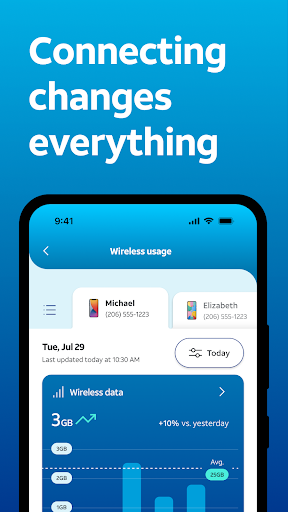
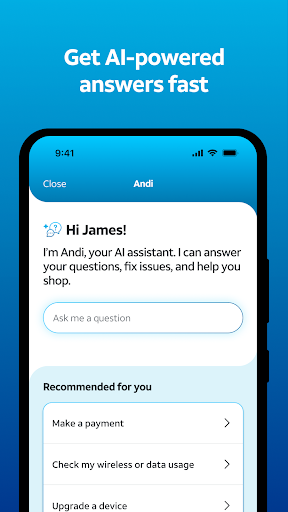
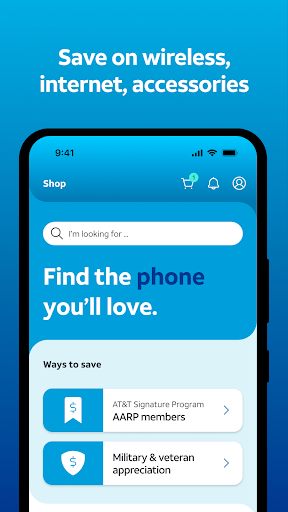
The AT&T app is the official account management hub for AT&T Wireless and Internet customers, built around bill pay, device management, and network monitoring. It bundles in a lot: shopping for new phones and plans, tracking data usage, blocking spam calls through ActiveArmor, running speed tests, and now leaning on an AI assistant named Andi to answer support questions. It’s aimed squarely at existing or prospective AT&T customers who need a single place to handle billing and account tasks without calling support, and at households juggling multiple lines, devices, and profiles under one account.

Where the App Actually Delivers

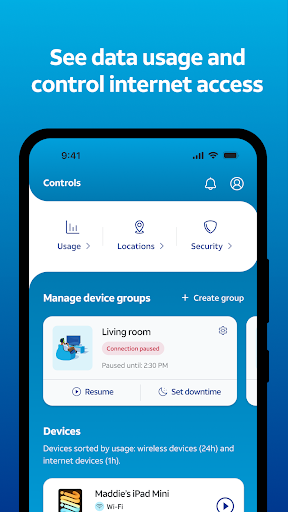
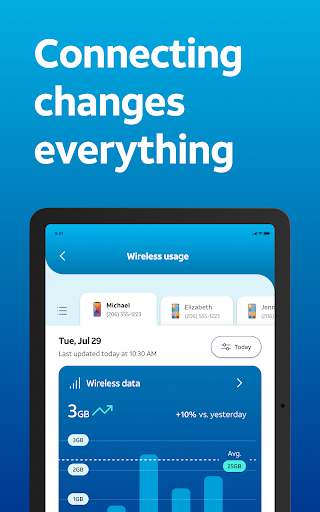
When it works, the breadth of features is genuinely useful. You can see all your wireless and internet accounts in one place, assign devices to different user profiles, track data usage across services, and locate a device if it goes missing. The dashboard for network health checks and speed tests is a nice touch for anyone troubleshooting a slow connection, and having robocall blocking built in through ActiveArmor is a real convenience rather than a gimmick. For basic tasks like glancing at your current devices or checking a bill total, several users note it’s serviceable enough to get by.

The Billing Problems That Keep Showing Up

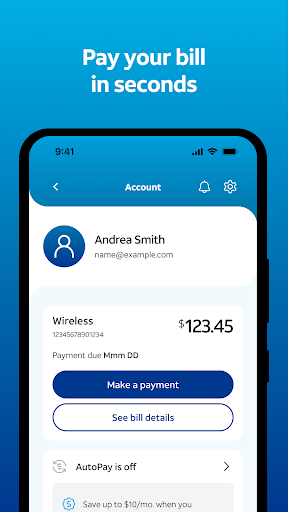
The most consistent and damaging complaints center on paying bills. One widely-upvoted review describes being charged four times in a single month due to an app bug, paired with a frustrating time getting customer service to fix it. Others report entering autopay information that simply won’t save, trying a dozen times to add a new checking account or debit card with no success, or spending thirty minutes hunting for a due date and balance that isn’t even displayed. Multiple reviewers say they eventually gave up and called the help line or switched to a laptop just to get a payment through, which defeats the entire purpose of a ‘pay your bill’ feature.

Navigation, Login, and Fine Print Frustrations

Beyond billing, users describe a navigation experience that fights them at every turn. One reviewer says they have to log in three or more times per session and can’t back out of a screen without being logged out again. Others call the layout disorganized, with messaging that sticks and stutters and a general difficulty finding what they’re looking for. There are also complaints about the business side of the app: fine print that negates trade-in credits, exclusions on free trade-in offers for customers 55 and older, and international service add-ons that got activated and charged without a clear path to review or cancel them through the app itself. Syncing issues are mentioned too, with one user noting payments still scheduled months after they’d already cancelled service.

Who Should Actually Download This

If you’re already an AT&T customer, you don’t have much choice but to have this app or use the website, and for occasional tasks like checking which devices are on your account or glancing at usage, it does the job. But go in with tempered expectations around bill pay specifically — set up autopay if you can get it to stick, and keep a backup plan (the website, a saved card on file elsewhere, or the customer service line) in case the in-app payment flow glitches or double-charges you, as multiple reviewers report happening. Shoppers hunting for device deals should also read the fine print carefully before assuming a trade-in credit or promotional offer applies to them. This isn’t an app people seem to enjoy using so much as one they tolerate because their carrier requires it, and the recurring billing bugs mean it’s worth double-checking your statement after every payment rather than assuming the app got it right.


Pros

  • ✓All accounts and devices in one dashboard
  • ✓Built-in robocall blocking via ActiveArmor
  • ✓Network health checks and speed tests included
  • ✓Device location and profile management tools
  • ✓AI assistant Andi for quick support questions

Cons

  • ✕Bill pay frequently glitches or double-charges
  • ✕Autopay and card details often fail to save
  • ✕Confusing navigation with repeated login prompts

What Real Users Say

Rhandy Splawn ★ 1/5

“It's horrible trying to manually pay bills on this app. It's not easy access and it's difficult to find and once you get to it, half the time it won't let you pay due to an app bug. I was charged 4 times in 1 month for my phone bill and trying to get a hold of customer service is…”

👍 1,520 found this helpful
Becky Dash ★ 1/5

“The app is just okay for seeing current devices (I already KNOW what I own). It's okay for paying my monthly bill. That's about ALL it's good for. I struggled to add international service through the app. Ended up having a Chat Rep assist with that. I see that I'm being charged for that service now, but the app doesn't…”

👍 169 found this helpful
Remonica Roop ★ 1/5

“This app is ridiculous, I have always had problems with using this app. U have to log in like 3 or more times. I can never back out of a session unless i want to log in again, And now I can't even update the app it just stays in pending. I wish I would have never switched from Verizon…”

👍 38 found this helpful

Reviews sourced from Google Play, selected by helpfulness at the time of writing.

App Info & Permissions

Developer AT&T Services, Inc.
Content rating Everyone
Contains ads Yes
Installs 165M+
Released 04/28/2010
Price Free

Permissions this app requests

📅 Calendar Read calendar events plus confidential information; add or modify calendar events and send email to guests without owners' knowledge
📷 Camera Take pictures and videos
👥 Contacts Find accounts on the device
📱 Device ID & call information Read phone status and identity
🪪 Identity Find accounts on the device
📍 Location Approximate location (network-based); precise location (GPS and network-based)
🎙️ Microphone Record audio
📞 Phone Read phone status and identity
🖼️ Photos/Media/Files Read the contents of your USB storage; modify or delete the contents of your USB storage
💾 Storage Read the contents of your USB storage; modify or delete the contents of your USB storage
📶 Wi-Fi connection information View Wi-Fi connections

Similar Apps

Frequently Asked Questions

1

What is AT&T?

AT&T is the official mobile app from AT&T Services for managing AT&T Wireless and Internet accounts. It lets users pay bills, track data usage, manage devices and profiles, shop for deals, and get support through an AI assistant called Andi. It's designed to be a one-stop hub for existing and prospective AT&T customers.

2

Is the AT&T app free?

Yes, the app itself is free to download and use for managing your account. However, it's tied to paid AT&T Wireless and Internet services, so you'll still be billed for your actual plan. Some in-app purchases like device protection or international connectivity add-ons carry their own charges.

3

Can I pay my AT&T bill through the app?

Yes, but multiple reviewers report significant problems doing so, including bugs that prevented payment or caused them to be charged multiple times in one month. Some users also say autopay and saved payment methods repeatedly fail to save. If you rely on autopay, it's worth confirming charges on your statement afterward.

4

Does the AT&T app work for both wireless and internet accounts?

Yes, the app is designed to manage both AT&T Wireless and AT&T Internet (including fiber) accounts from a single dashboard. You can track usage across both services, manage connected devices like Wi-Fi extenders, and set up user-level access so different family members see relevant information.

5

What are the biggest complaints about the AT&T app?

The most frequent complaints involve billing bugs, including duplicate charges and payment methods that won't save, along with confusing navigation and repeated login requirements. Some users also mention fine print on trade-in and upgrade offers, and difficulty getting international service charges clarified or removed through the app.

