

What This App Is and Who It’s For
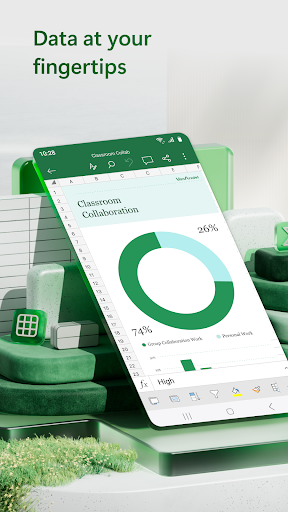
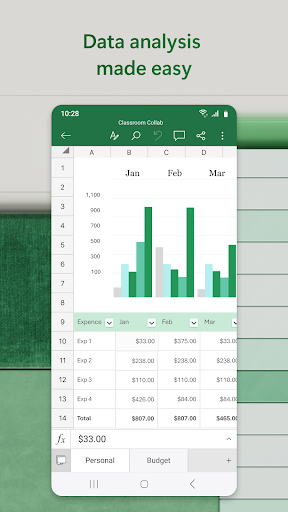
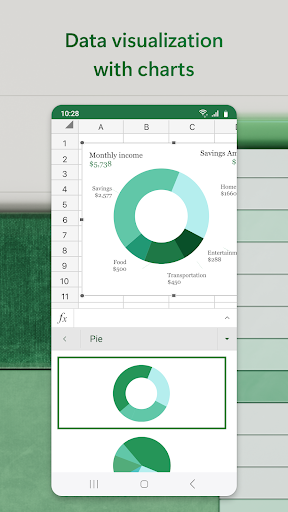
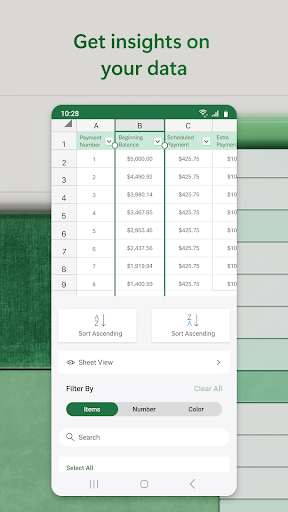
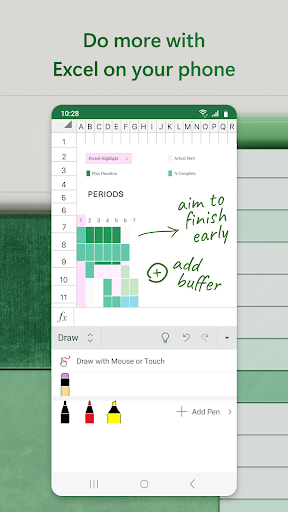
Microsoft Excel: Spreadsheets brings the desktop spreadsheet program to Android phones and tablets, with templates for budgets, charts, project plans, and financial analysis. It supports formulas, pivot charts, sort and filter tools, and a draw tab for annotating sheets on touchscreens. It’s aimed at anyone who already uses Excel at work or school and needs to view or edit files on the go, plus casual users who want a free tool for personal budgeting or expense tracking.
On devices with screens smaller than 10.1 inches, you’ll need to sign in with a free Microsoft account to create or edit files, and deeper AI features through Copilot require a Microsoft 365 subscription. So while the core app is free, some of the marketed ‘intelligent recommendations’ and advanced Copilot tools are behind a paywall.
Where It Actually Delivers
The strongest praise from users centers on the fact that there are no ads interrupting the experience, which is notable for a free productivity app with this many installs. Reviewers also highlight genuinely useful real-world applications: building budgets, inventory lists, reports, and even personal trackers like anniversary dates that update automatically. One long-time user noted the Android version has ‘come a long way’ and now includes enough features to make it a keeper for daily use rather than just an emergency viewer.
The ability to pin a spreadsheet to the home screen, have it open instantly, auto-save, and exit cleanly is called out specifically as a convenience win. For quick edits or checking numbers away from a desktop, this kind of frictionless access matters more than people expect, and it seems to work as intended for a lot of users.
The Bugs That Undermine Trust
The most damaging complaints involve data integrity. Multiple reviewers describe data randomly disappearing without explanation, and one detailed report describes a serious failure where Excel fails to properly stage a file save on exit, resulting in a corrupted file that shows 0 bytes — total data loss. That is about as bad as a productivity app bug can get, and it’s not an isolated one-off complaint.
Permission and access errors are also recurring themes. Users report being locked out of their own spreadsheets, seeing ‘read only’ mode appear on files that used to be editable, or getting messages saying they don’t have permission to make edits — sometimes requiring a full uninstall and reinstall to fix. One reviewer said this happened roughly once a month, which is a significant reliability problem for anyone depending on the app for ongoing work.
Everyday Usability Friction
Beyond outright bugs, several reviewers point to a less polished mobile experience compared to desktop Excel. Basic tasks like inserting cells or selecting a cell to edit are described as clunky or unintuitive, requiring extra taps or guesswork that wouldn’t be an issue on a full-size screen with a mouse. Crashing is another recurring complaint, with one user noting the app had previously integrated well with Dropbox before crashes started happening for no clear reason, alongside confusion over missing conditional formatting options and an unhelpful ‘smart lookup’ feature.
These aren’t dealbreakers on their own, but combined with the file-locking and data-loss issues, they paint a picture of an app that works well when it works, but can be unpredictable at the worst possible moments.
Final Verdict on Downloading
If you need a free, no-ads mobile spreadsheet for basic budgeting, simple charts, or occasional edits synced from a desktop file, this app generally delivers a competent experience with familiar Excel formulas and formatting. But if you plan to rely on it as your primary tool for important, unsaved work, the data-loss and file-lock reports from real users are a legitimate concern worth taking seriously.
Recommended for casual users and mobile-first editing of non-critical files; approach with caution — and back up your work elsewhere — if you’re managing anything mission-critical.



