
What Google Docs Does and Who It’s For
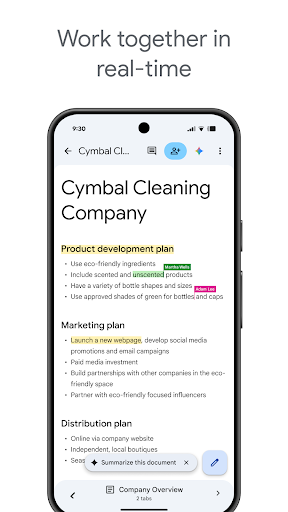
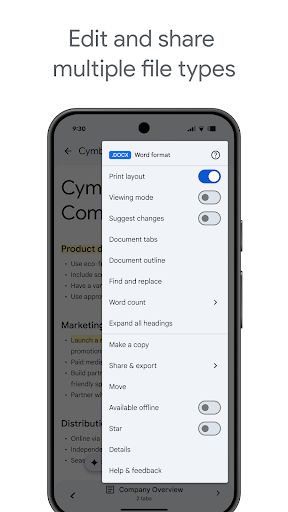
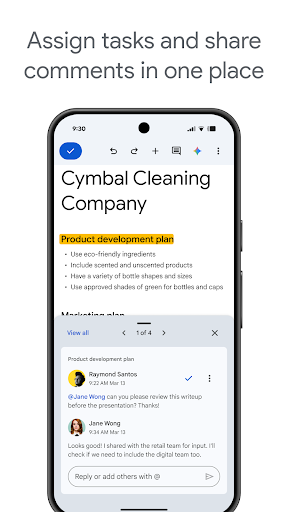
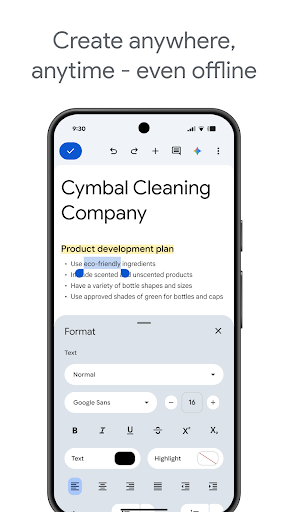
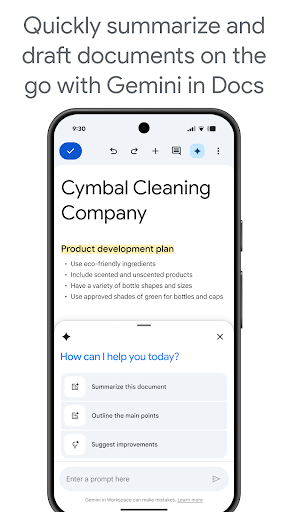
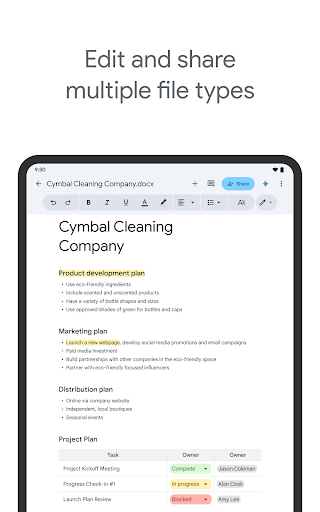
Google Docs brings Google’s cloud-based word processor to Android phones and tablets, letting users create, edit, and collaborate on documents from anywhere. With real-time collaboration, offline mode, and support for opening Microsoft Word files, it’s aimed at students, professionals, and anyone who needs to write or review documents on the go. It’s tightly woven into Google Workspace, so teams already using Gmail and Drive will find it a natural fit.
Given the sheer install base and review volume, this is clearly one of the default writing tools on Android. Most people encounter it not by choice but because it’s pre-installed or because collaborators share files through it, which makes its day-to-day usability especially important.
Where It Actually Delivers
The core promise of seamless syncing genuinely works for a lot of users. One reviewer praised how ‘files autosave as I work and are available immediately when I switch to another device,’ which is exactly the kind of frictionless experience people expect from a Google product. Another compared it favorably to Microsoft Word, saying it ‘works just like Microsoft Word for the most part,’ which speaks to how far the formatting toolset has come on mobile.
Real-time collaboration and cross-device access remain the app’s strongest selling points. For simple writing tasks, quick edits, or checking a document while away from a computer, it does the job without much friction for many users.
The Autocorrect and Formatting Frustrations
The most repeated complaints center on text correction and formatting control. One long-time user called the mobile text correction ‘extremely obnoxious’ and said it ‘seemingly can’t turn off,’ adding that they spend more time fixing automatic corrections than actually writing. Another described Google ‘fixing it til it breaks,’ specifically citing new limits on selectable font sizes and unwanted auto-formatting when typing a bullet character at the start of a line.
Paragraph spacing is another sore point—one reviewer asked why it’s still not possible to add space before or after paragraphs on mobile, since line spacing adjustments don’t solve the ‘wall of text’ problem. Font size limitations came up again too, with a user noting the new version ‘no longer has fonts smaller than 8pt’ despite needing sizes as small as 2pt for their work.
Reliability Issues That Undermine Trust
Beyond formatting gripes, several reviewers reported troubling access problems. One noted that ‘specific documents just won’t be accessible on specific devices, for no reason,’ despite a fine connection and having created the files themselves. Another mentioned having to reinstall the app ‘many times just to view or edit documents,’ and said offline sync ‘only works half the time’—a significant issue for an app that advertises offline mode as a core feature.
Shared documents have their own quirks too, with one user saying link-shared files ‘will rarely though sometimes frequently become unavailable,’ which suggests inconsistent syncing behavior that can be disruptive mid-collaboration.
Interface Changes Users Aren’t Thrilled About
Recent interface updates have drawn mixed reactions. One reviewer disliked that ‘tabs are always at the bottom of mobile documents now,’ calling it visual clutter, while another lamented losing access to certain photo-related features present in an older version. These comments suggest Google’s ongoing redesign efforts haven’t landed well with everyone, especially longtime users comfortable with the previous layout.
The Verdict on Downloading Google Docs
Google Docs remains a capable, free, and deeply integrated writing tool that’s hard to avoid if you’re in the Google ecosystem, and for basic writing and collaboration it still gets the job done. But the recurring complaints about aggressive autocorrect, restrictive formatting options, and inconsistent syncing or file access are not minor nitpicks—they come from people who rely on this app daily. If you need heavy formatting control or write extensively on mobile, expect some friction. Casual users and those primarily collaborating on straightforward documents will likely find it reliable enough, but power users should go in with tempered expectations.



